
The Pro Photography & Photoshop 20 Course Bundle

3 Reviews
440 Enrolled
20 Courses & 119 Hours
Deal Price$39.99
Suggested Price
$640.00
You save 93%
The Pro Photography & Photoshop 20 Course Bundle
3 Reviews
$39.99$640.0093% OFF

What's Included
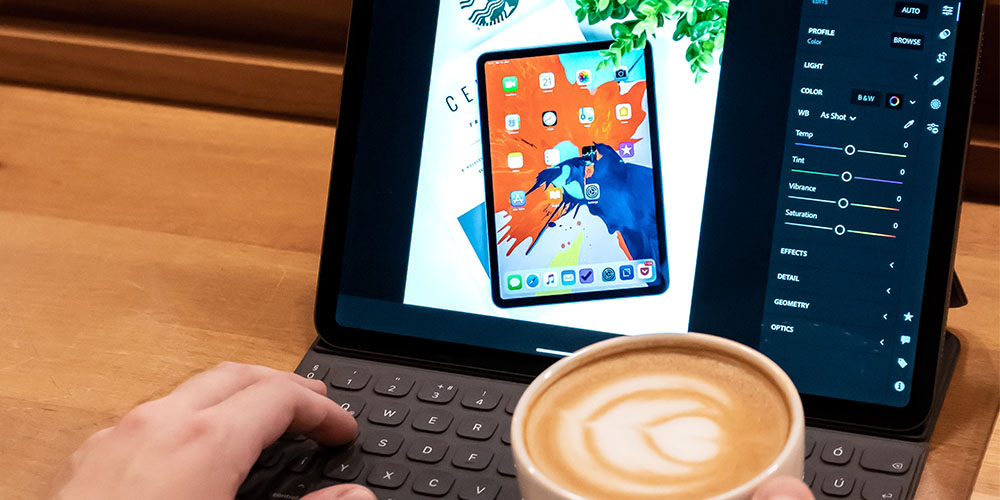
Photoshop Made Easy course, tablet showing a photo editing app with color and saturation sliders beside a latte
  • Experience level required: Beginner
  • Access 126 lectures & 15 hours of content 24/7
  • Length of time users can access this course: Lifetime

Course Curriculum

126 Lessons (15h)

  • Your First Program

  • Download Resources
    Home Screen5:37
    Create + Artboards8:26
    Interface + Workspaces8:30
    Save + File Types12:51
    Bit Depth + Information4:25
    Raster vs. Vector Images8:27
    Photoshop + 2 Add-Ons5:32
  • Preference Settings20:09
    Color Preferences3:48
    Customizing Menus3:37
    Keyboard Shortcuts14:37
    Customize Your Interface + Save Workspaces6:28
    Opening Images5:18
    Working with Multiple Files2:14
    Zoom + Hand Tools For Efficiency7:41
    Creating an Action10:37
    Run an Action11:53
    Linked Smart Objects5:41
  • Adobe Bridge 10112:15
    Preferences10:04
    Adjusting Work Spaces3:09
    Favorites + Collections7:30
    Keywords, Ratings + Labels7:40
    Search + Filter3:23
    Metadata4:09
    Dr. Brown Script211:12
    My Personal Workflow6:20
  • Monitor Calibration7:27
    Colorsync Preferences3:51
    User-Friendly Color Workspace3:19
    Swatches + Color Panel8:19
    Balance and Remove Color Casts12:21
    Add Color Tints6:51
  • RAW vs JPG8:44
    ACR Preferences9:57
    ACR Interface21:04
    Red Eye Tool2:28
    White Balance6:46
    the Basics - Adjusting the Tone or Dynamic Range16:19
    Working with tone curves8:43
    Sharpening + Detail13:00
    HLS and Color Adjustments5:56
    Split Toning4:43
    Lens correction6:24
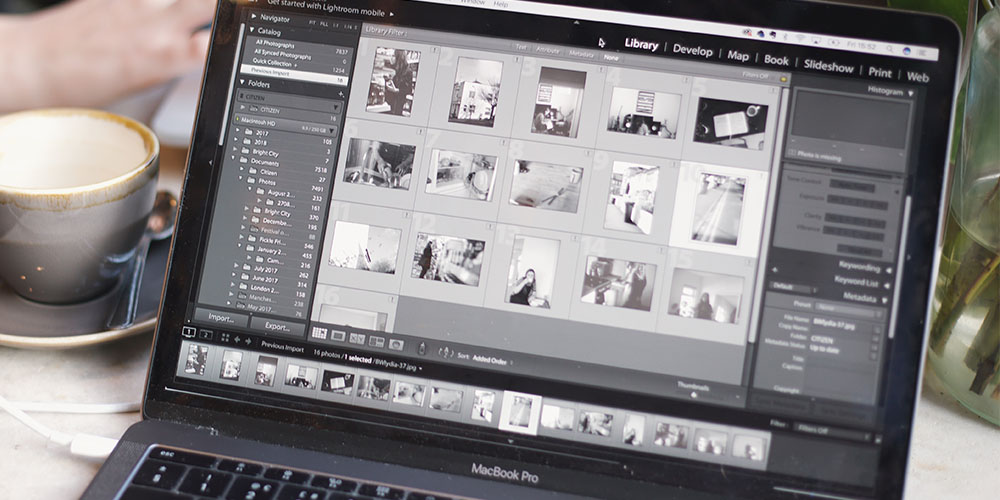
    Lightroom Effects6:41
    Camera Calibration3:50
    Create Develop Preset3:37
    Crop + Straighten4:13
    Spot Removal10:22
    Adjustment Brush6:37
    Graduated Filters7:23
    Targeted Adjustment Tool4:15
  • Layers 101 + the Layers Panel8:15
    12 Types of Layers21:30
    Aligning Layers12:55
    Stack, Copy + Delete Layers4:07
    Organizing Layers2:02
  • Adjustment Layers 1016:30
    Adjustment Layer Masks9:08
    Adjustment Layer Masks with Gradients8:14
    Link Layers3:53
    Sharing Adjustments2:11
  • Crop8:36
    Perspective4:34
    Perspective Warp6:24
  • Color to Grayscale 1014:46
    3 Ways Not to Convert 23:53
    BW Adjustments2:47
  • Dodge, Burn, Sponge 10112:08
    Dodge and Burn8:08
    Sponge3:39
    Dodge Burn with Blending Modes4:40
    Dodge + Burn with Gradients5:54
  • Curves 1015:58
    Basic Color Correction with Curves4:14
  • Levels 1016:34
    Working with Levels4:12
    Adding Contrast with Levels2:34
  • Stamp Tool 10112:09
    Stamp Pattern Tool2:57
  • Heal15:08
    Patch Tool11:14
    Content Aware4:06
    Remove Red Eye3:15
  • Selections-1013:44
    Marquee9:35
    Lasso Tools5:34
    Magic Wand Tool7:39
    Quick Mask Mode5:21
    Select + Mask8:57
    Content Aware Fill5:00
    Change Color of Dress8:29
    Color Range7:32
  • Blending Modes 1018:41
    Normal + Dissolve3:31
    Darken Group4:57
    Lighten Group4:23
    Contrast2:38
    Inversion + Component4:12
  • Smart Filters5:08
    Filter Opacity + Blending Mode1:41
  • Brushes 10114:56
    Additional Brush Options + MoreAdditional Brush Options + More8:50
    Custom Brushes3:40
    Brush vs Pencil2:08
    History Brush4:57
    Color Replacement7:33
  • File Formats9:44
    Out of Gamut + Profiles4:50
  • Eraser 1015:50
    Eraser Background14:14
    Eraser + Assignment15:08
  • Frame Tool 1015:05
    Frame Tool Assignment13:00
  • Vector Paths14:09
    Vector Shapes4:50
    Editing Paths5:52
    Advanced Vector Paths7:11
  • Character + Paragraph Formatting5:48
    Warped, Stylized + 3D4:44
  • Layer Styles 1015:50
    Layer Styles 1-516:42
    Layer Styles 6-105:48
  • Upsampling3:17
    Photoshop CC 2019 New Features - Top 1043:01

Photoshop Made Easy

CP
Chris Parker

Chris Parker | Photography, Photoshop, Lightroom, and GIMP Taught by a Pro

4.5/5 Instructor Rating: ★ ★ ★ ★ ★ ★


Chris Parker has 30 years of experience as a pro photographer. He's photographed thousands of portrait sessions and 500+ weddings in the last 30 years. He's also a graphic designer and a lifelong user of Photoshop and Lightroom. He's been helping photographers achieve their creative vision since 2010.

145,499 Total Students
8,005 Reviews

Description

It's no secret that Photoshop can be a bit dense when you're first getting your feet wet with it. That's why it pays to have an expert instructor show you the ropes. Led by a Photoshop pro, this course will help you master Photoshop CC and become an expert—no prior experience required! From layers and filters to levels and curves, you'll come to grips with essential Photoshop concepts and refine your skills with the included working files.

11,975+ students enrolled!

  • Access 126 lectures & 15 hours of content 24/7
  • Discover the essentials for editing photos like a pro
  • Learn how to use layers & take your creativity to the next level
  • Dive into 2 exceptional tools for retouching your photos
  • Learn how to properly convert photos to black & white
  • Discover time-saving tips & techniques for applying the text to your documents


Note: Software NOT included

Specs

Important Details

  • Length of time users can access this course: lifetime
  • Access options: desktop & mobile
  • Certification of completion included
  • Redemption deadline: redeem your code within 30 days of purchase
  • Updates included
  • Experience level required: beginner
  • Have questions on how digital purchases work? Learn more about digital products

Requirements

  • Adobe Photoshop CS6 or CC 2017 (NOT included in the course)

Terms

  • Unredeemed licenses can be returned for store credit within 30 days of purchase. Once your license is redeemed, all sales are final.
3 Reviews
5/ 5
All reviews are from verified purchasers collected after purchase.
FG

Felipe Gillie

Verified Buyer

Loved!!!!! Really interesting, loved the main course about photos, I learned a lot. And there’re still so many courses to go through… but anyway, highly recommends, I even made one of my friends to buy it

Jul 4, 2024
Peggy Bragg profile picture

Peggy Bragg

Verified Buyer

I love learning every thing about photography. The courses are really fun. I can not wait to apply what i have learned in my photographs

Sep 1, 2020
FD

F D

Verified Buyer

I have not finished the content of this purchase but from reading the reviews the product seems promising.

Aug 19, 2020
Processing order...